
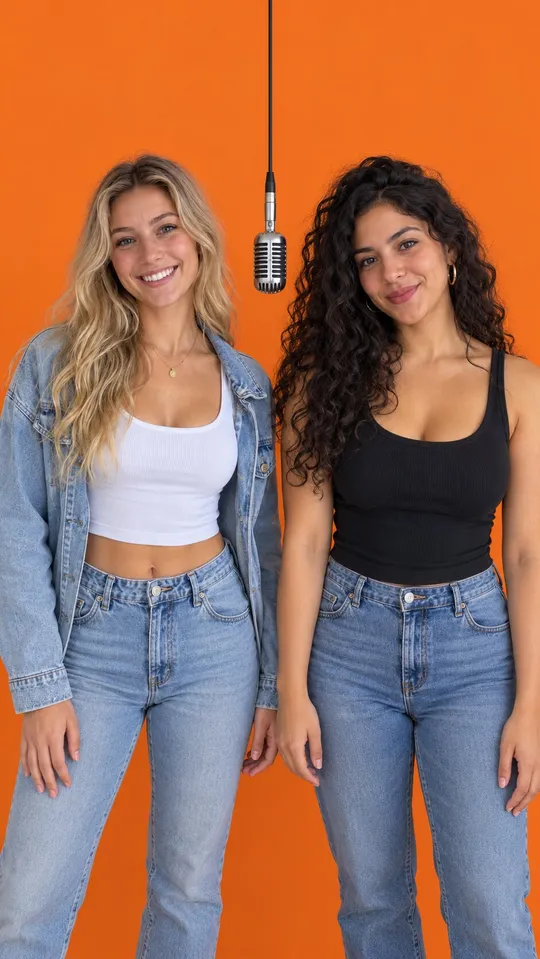
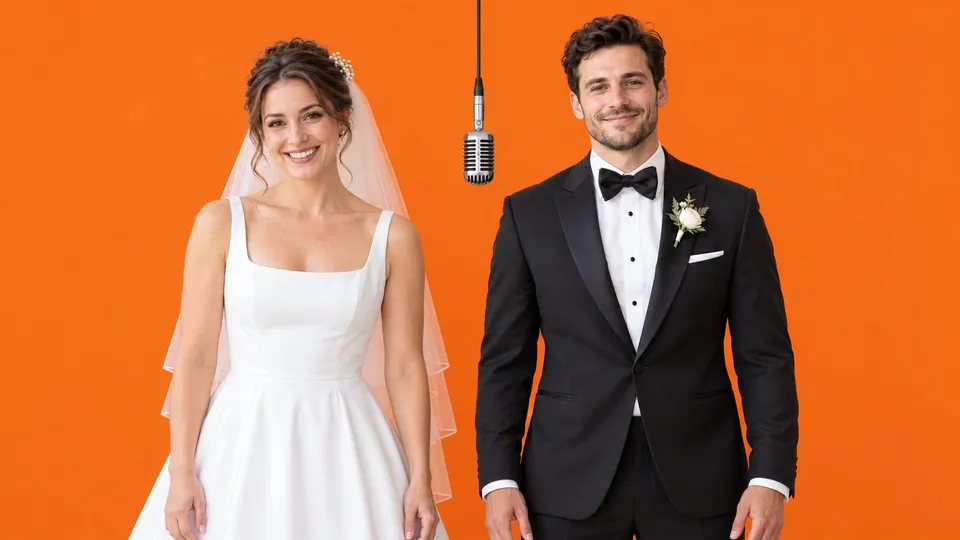
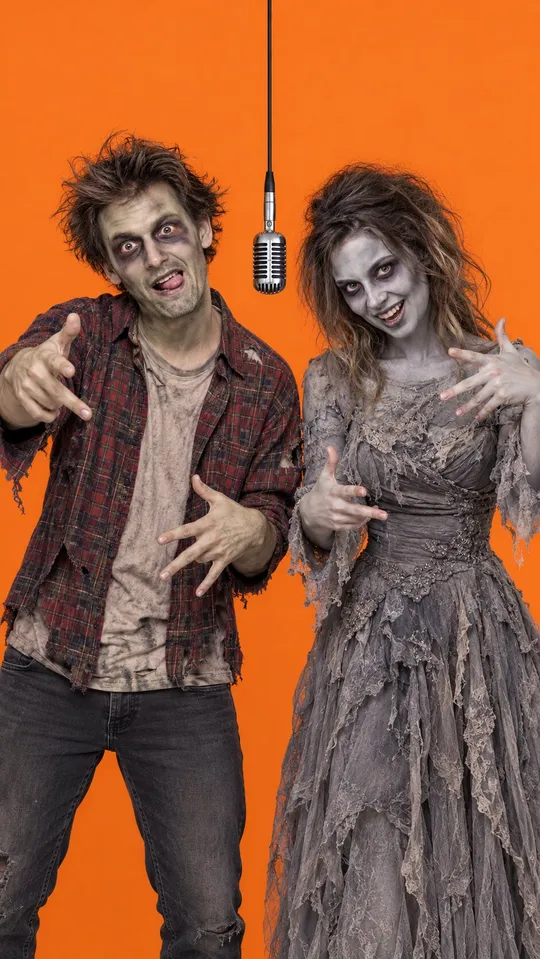
The Hotel Lobby trend puts two performers in an orange booth with one microphone hanging between them, rapping like Quavo and Takeoff in their song Hotel Lobby. Since late September 2026 people have been making their own versions with AI: best friends, grandmas, couples, a guy and his dog, even anime characters (see the example videos). This guide shows how to make one in about two minutes, which photos to use and how to fix the most common problems.
What you need to make a Hotel Lobby AI video
- Two photos, one per performer. A performer can be an adult, a pet or a cartoon, anime or game character, and the two photos do not have to be taken together.
- A free HotelLobby.me account.
- That is it. No app, no editing and no green screen.
How to make a Hotel Lobby AI video, step by step
Upload the two photos
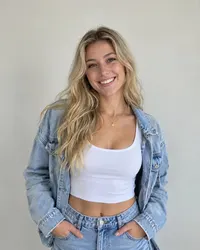
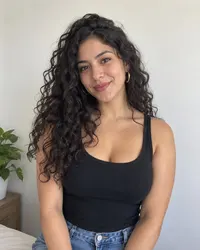
Open the Hotel Lobby AI video generator. Put the performer who should rap first in the Left performer slot and the other one in the Right performer slot. Each photo is checked as soon as it uploads, so a photo that will not work is flagged right away and costs nothing. Photos are only used to make your video, as explained in our privacy policy.
Choose format, quality and length
Pick 9:16 for TikTok, Instagram Reels and YouTube Shorts, or 16:9 for YouTube and desktop (compare both formats). Then pick the quality (768P or 1080P) and the length (6, 10 or 15 seconds). The price in credits is shown on the button before you start.
Generate the video
Tap Generate video. We place both performers in the orange booth under the hanging mic and animate them into a rap duet: the left performer raps the first half, the right performer raps the second half, and the camera stays locked like the original performance. Rendering usually takes about two minutes, and you can leave the page: the finished video waits in My Videos.
Credits are only kept for videos that finish. If a video fails or does not finish within 30 minutes, they go back to your balance automatically (refund policy).
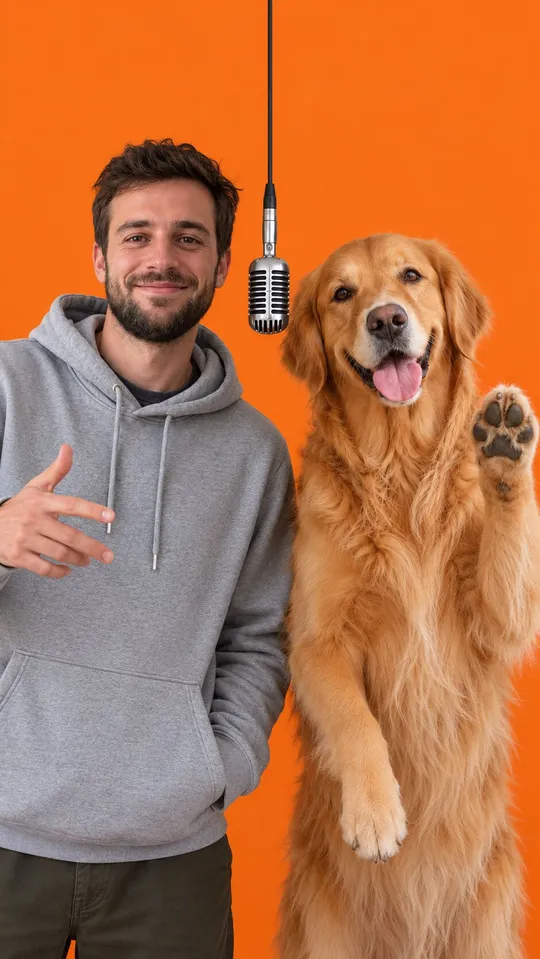
Download and post
Tap Download MP4 and post it straight to TikTok, Reels or Shorts. Every video comes with newly generated AI rap audio. If you want the original Hotel Lobby sound, add it from the app's own music library when you post, which keeps you on the right side of music licensing.
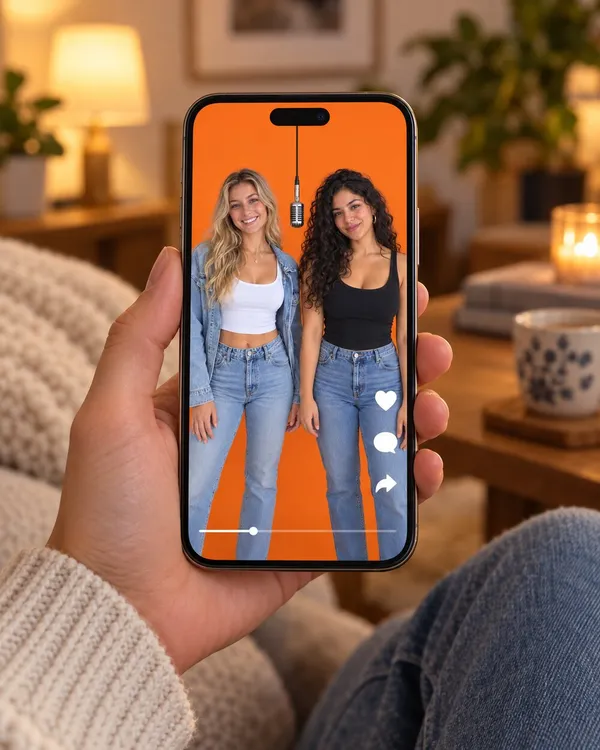
Hotel Lobby AI with people, pets and characters
Any mix of two works. Each performer keeps their own look and art style, so an anime character stays drawn while a real person stays photographic.
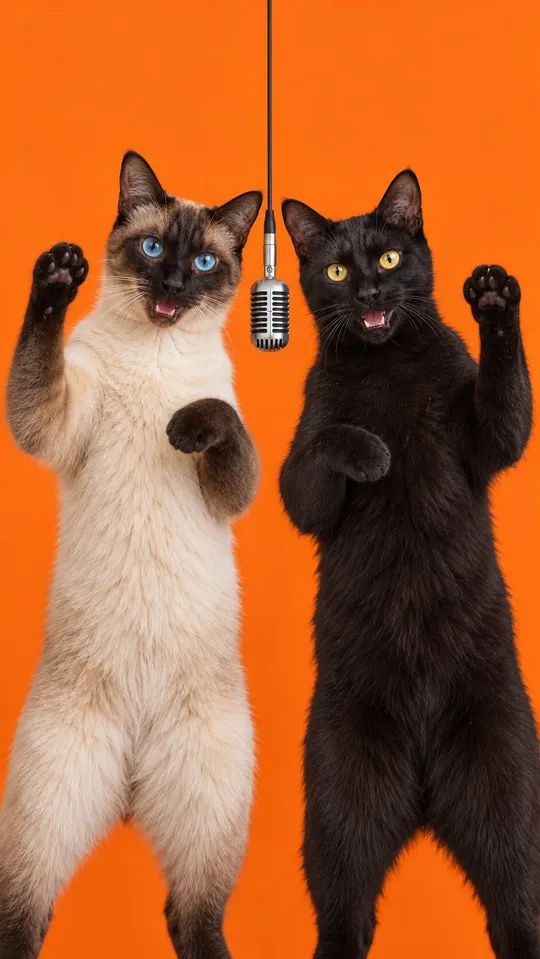
Pets
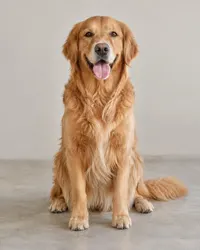
Cats and dogs stand on their hind legs at human height, with real paws instead of hands.
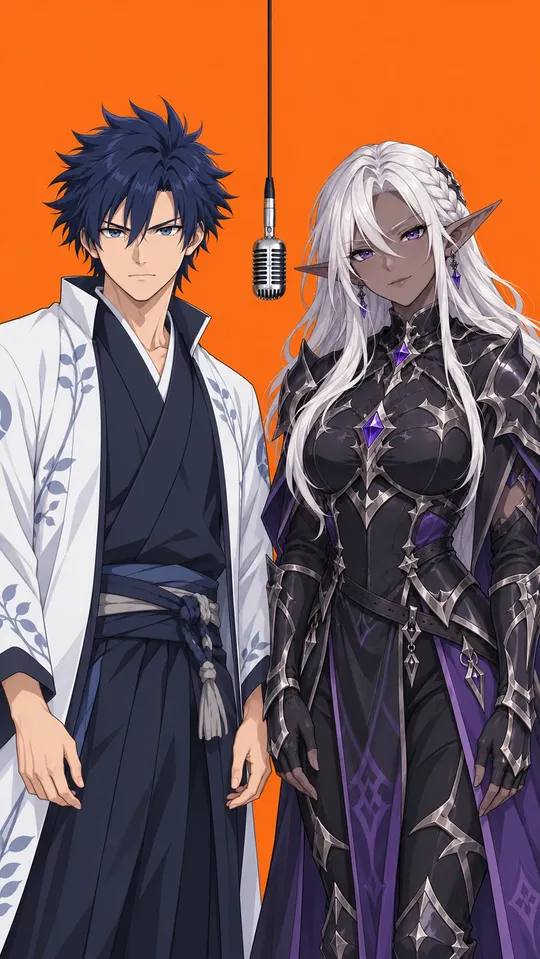
Characters
Cartoon, anime, game and 3D characters keep their original art style.
Costumes
Zombie makeup, cosplay and costumes are fine as long as the face is visible.
Not accepted: photos of real children or anyone under 18, nudity, sexual content and real violence. Drawn or animated child characters are fine. Only use photos of real people who agreed to be in the video. The full rules are in our Terms of Service.
Photos that give the best result
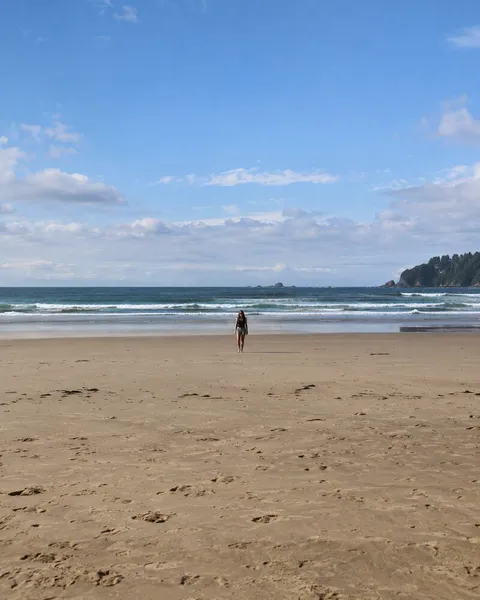
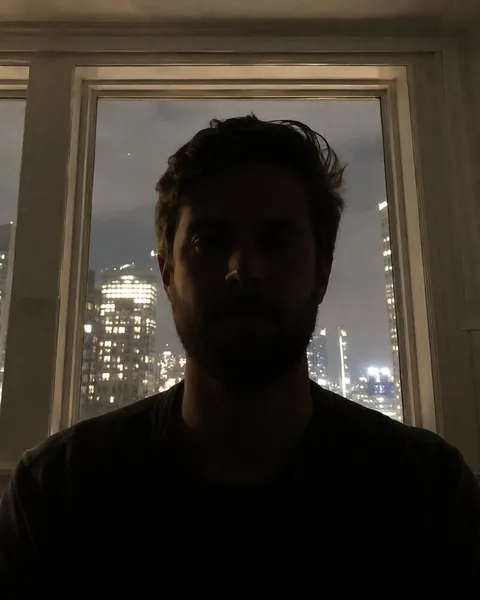
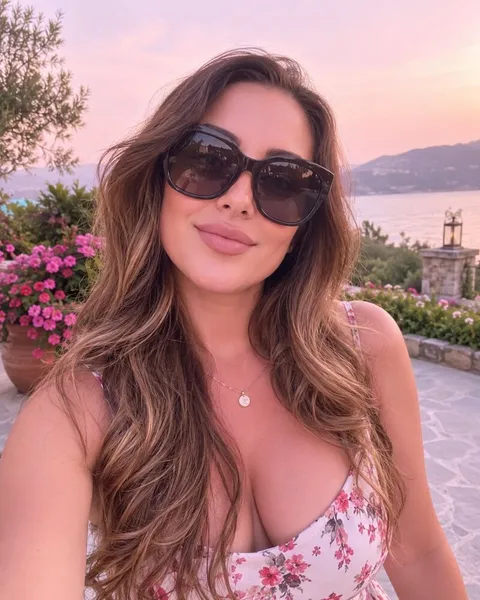
The photo check catches unusable photos, but a better photo still gives a better likeness. Compare these:
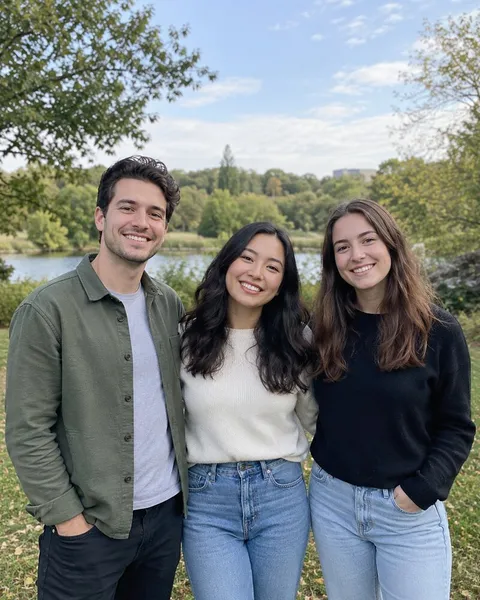
- One subject per photo, face clearly visible and looking roughly at the camera.
- Head and shoulders or waist up. A tiny face in a full body shot loses detail.
- Even light. Avoid strong shadows across the face, backlight and night photos.
- Nothing covering the eyes or mouth. Sunglasses, face masks and heavy beauty filters get copied into the video. Costumes and makeup are fine.
- Sharp originals. A screenshot of a screenshot will look soft in the video.
What a Hotel Lobby AI video costs
You only spend credits on videos that finish. The price depends on quality and length:
| Video | 6 seconds | 10 seconds | 15 seconds |
|---|---|---|---|
| 768P | 10 credits | 15 credits | 20 credits |
| 1080P | 20 credits | 30 credits | 40 credits |
Packs start at $9.90 for 100 credits and stay valid for 12 months. Subscriptions add a fresh set of credits each billing period.
See all packs and plans on the pricing page. Unused packs and unused subscription periods can be refunded within 7 days under our refund policy.
Hotel Lobby AI problems and how to fix them
The first four are the exact messages the photo check shows.
"Please use a photo with just one person, pet or character in it."
Crop the photo so only one subject is in it, or pick a different photo. Small figures in the background are fine.
"The face is too blurry, dark or small. Please try a clearer photo."
Use a closer, brighter photo where the eyes, nose and mouth are easy to make out.
"We could not find a person, pet or character in this photo."
Landscapes, objects, food and screenshots of text cannot be used. Upload a photo of the performer.
"For safety we cannot use photos of children."
Photos that clearly show a real child are rejected and never stored. Use a photo of an adult, a pet or a character.
A face in the video does not look like the person
The photo is usually too small, too dark or too filtered. Use a closer, brighter, unfiltered photo and generate again. If the result is clearly broken, the refund policy explains how to get the credits back.
One performer's features show up on the other
Each video is generated fresh, so another try often fixes it. If it keeps happening, use two photos with similar framing and lighting.
The video failed or never finished
Credits from a failed video, or one that does not finish within 30 minutes, go back to your balance automatically. Wait a minute and try again. If they do not come back, contact us.
I closed the page while it was rendering
Nothing is lost. The video keeps rendering and appears in My Videos when it is done.
Make your Hotel Lobby AI video now
Upload two photos and get your Hotel Lobby video in about two minutes.